


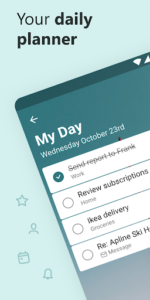

Microsoft To Do: Lists & Tasks is a task management app designed to help users organize their daily routines and manage various responsibilities. It enables the creation of diverse lists, from shopping and household tasks to event planning and note-taking, alongside setting reminders to maintain focus. A key feature is its personalized daily planner, My Day, which works with intelligent Suggestions to recommend relevant tasks from across your lists, helping prioritize daily activities. The app also offers integration with other Microsoft services, allowing for a cohesive approach to task capture and management.
Daily Planning with My Day and Suggestions
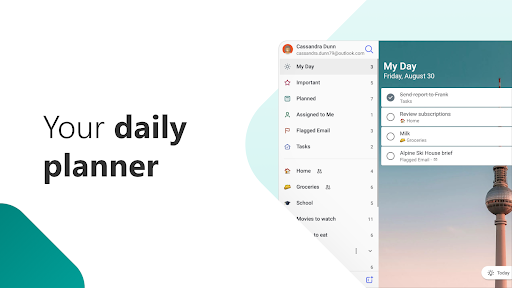
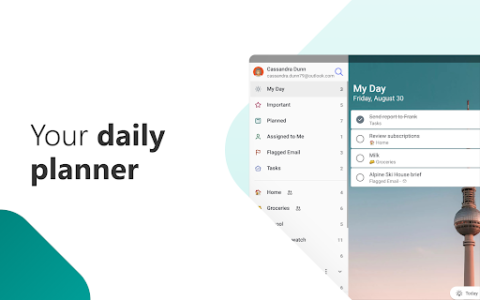
The app provides personalized daily planner tools, My Day and Suggestions, to assist with daily task management. My Day serves as a focused view for daily tasks, while Suggestions intelligently recommends tasks from across your various lists that may be relevant for the day. This functionality aims to help users focus on tasks that matter to them each day, from routine housecleaning to specific daily responsibilities.
Comprehensive List Management
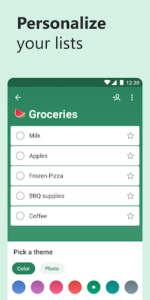
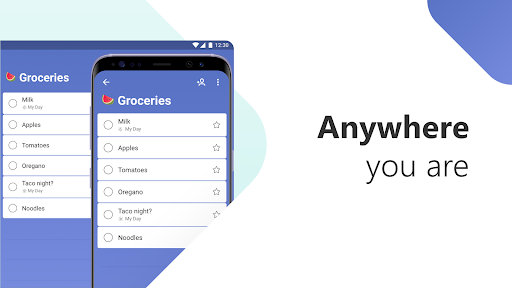
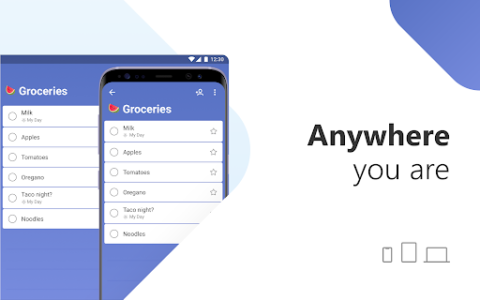
Users can create various types of lists to suit different needs, such as shopping lists, bill planners, school assignments, work projects, or personal reminders. The app supports taking notes to add context to any task and allows for breaking down larger tasks into smaller, manageable steps. For broader organization, lists can be grouped together by topic or project, helping to categorize and manage different areas of life.
Collaboration and Sharing Features
Microsoft To Do supports shared lists, enabling collaboration with others. Users can share lists with family, friends, colleagues, and classmates. Within these shared lists, it is possible to assign specific tasks to individuals, facilitating collaborative planning and task distribution for joint projects or household management.
Integration with Microsoft Services
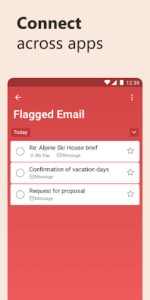
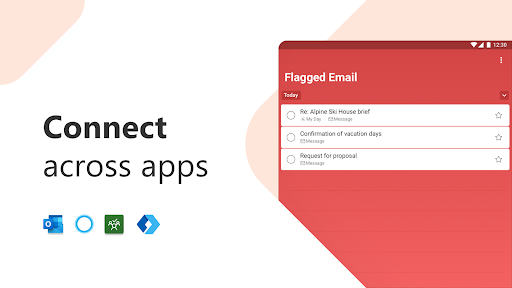
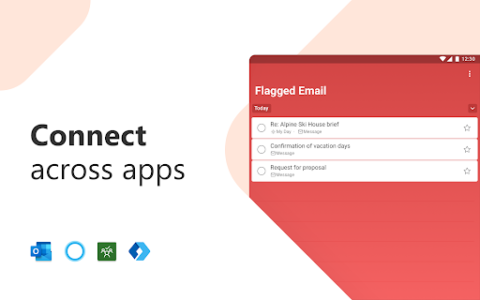
The app integrates with several Microsoft applications and services to centralize task management. Users can flag emails as tasks directly within Outlook or any email account hosted by Microsoft. Tasks can also be added to lists using Cortana. Furthermore, tasks assigned to a user from Microsoft Planner are visible within Microsoft To Do. The app synchronizes reminders and task lists between Outlook and To Do, and all lists and tasks are hosted on the Microsoft 365 service, which provides industry-leading security offerings.
Customization and Attachments
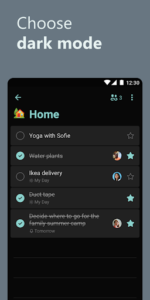
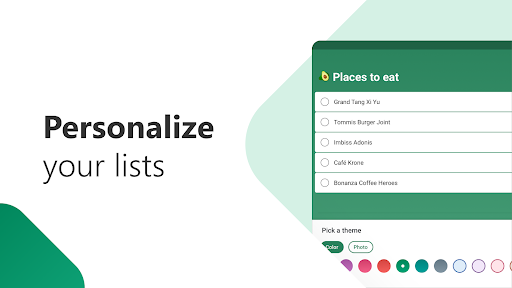
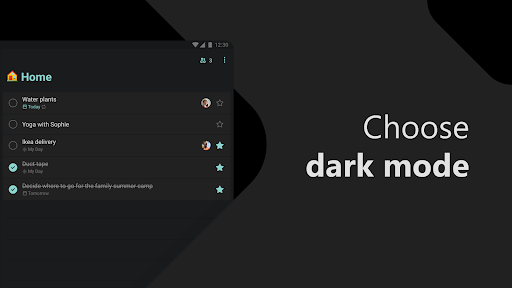
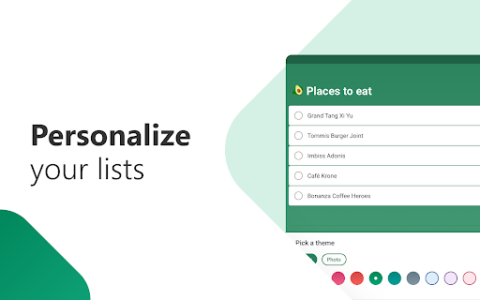
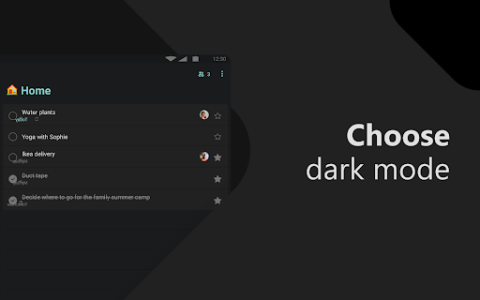
To personalize the app’s appearance, users can customize their lists with features like emoji, colorful themes, and dark mode. For tasks that require additional information, the app allows for attaching files. Each task can have files attached, with a practical limitation of up to 25 MB per attachment. The app also includes a widget, providing quick access to add reminders, tasks, and lists directly from the device’s home screen.















Write a review